Simple as a list.
Powerful on demand.
Tasklium starts as a plain bullet point list — type, enter, drag to reorder. Layer in tags, dependencies, and dates only when you need them. Runs fully on your device, even in flight mode.
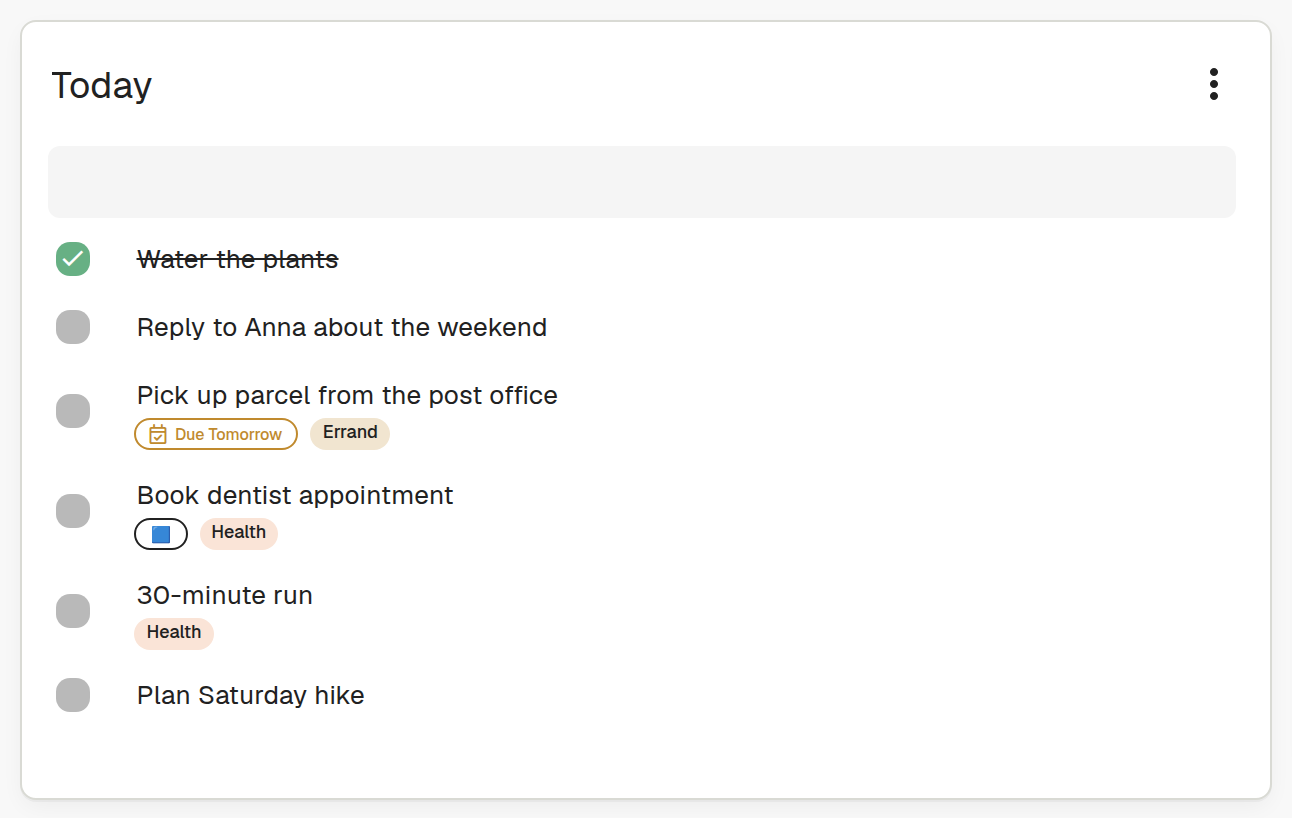
A list, when you want a list.
Type. Enter. Done. No forms, no dialogs, no friction. Tasklium feels like a plain bullet point list — until you need it to be more.
Stop staring at tasks you can't do yet.
Link any task to the things that must come first. Tasklium automatically hides "blocked" work so your Next Actions list only shows what's actually ready — the way GTD was meant to feel.
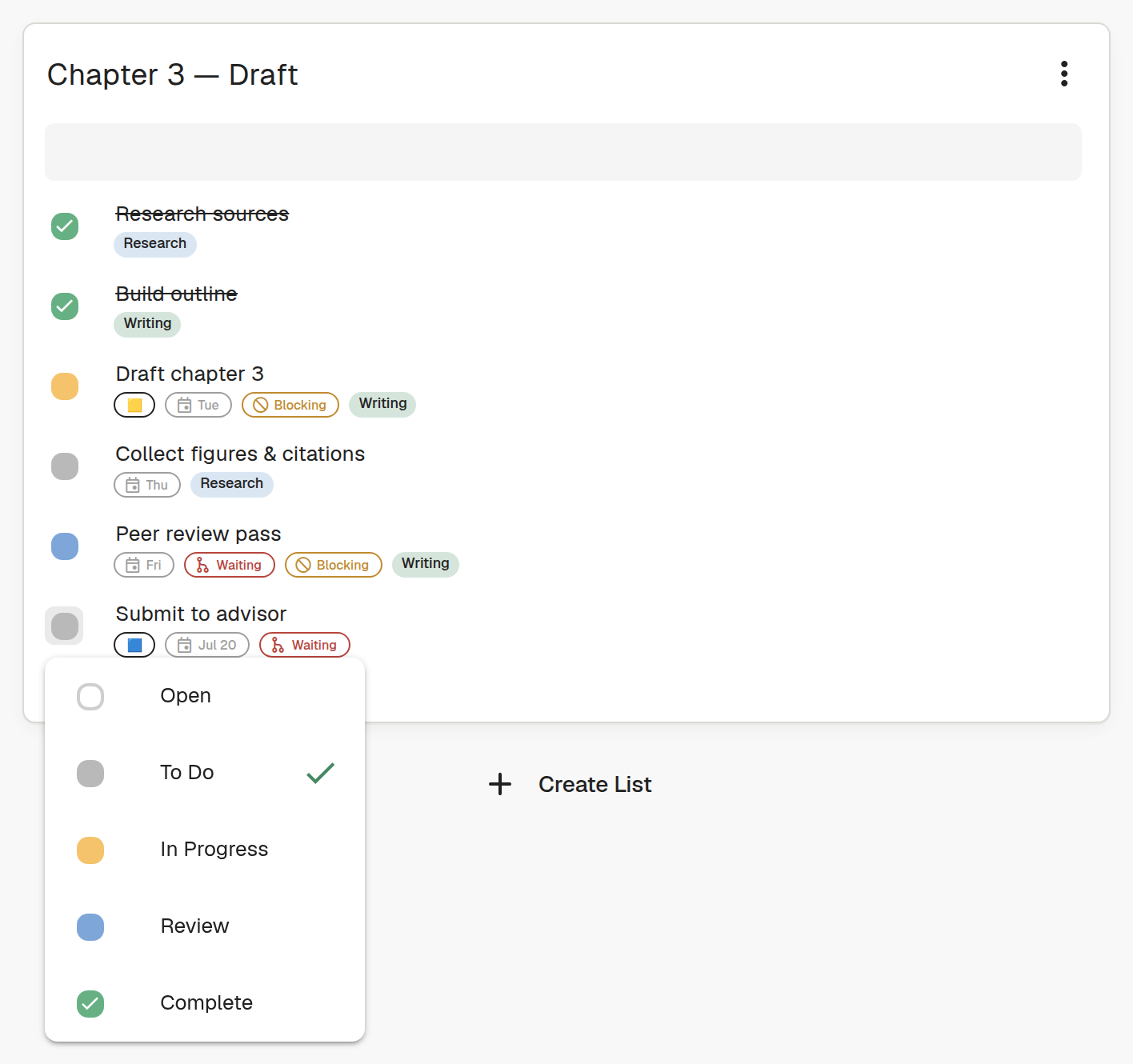
Go beyond done and not-done.
Build custom workflows that fit how you actually work — To Do → In Progress → Review → Complete, or whatever you invent. Organize with Workspaces, Folders, and Lists. Drag to reorder.
Workspaces → Folders → Lists. Nest to your heart's content.
Drag and drop to prioritize your day your way.
Lives on your device. Fast. Always yours.
No accounts required. Tasklium runs fully on-device — open it on a plane, a subway, a mountain, and it behaves the same as at your desk.
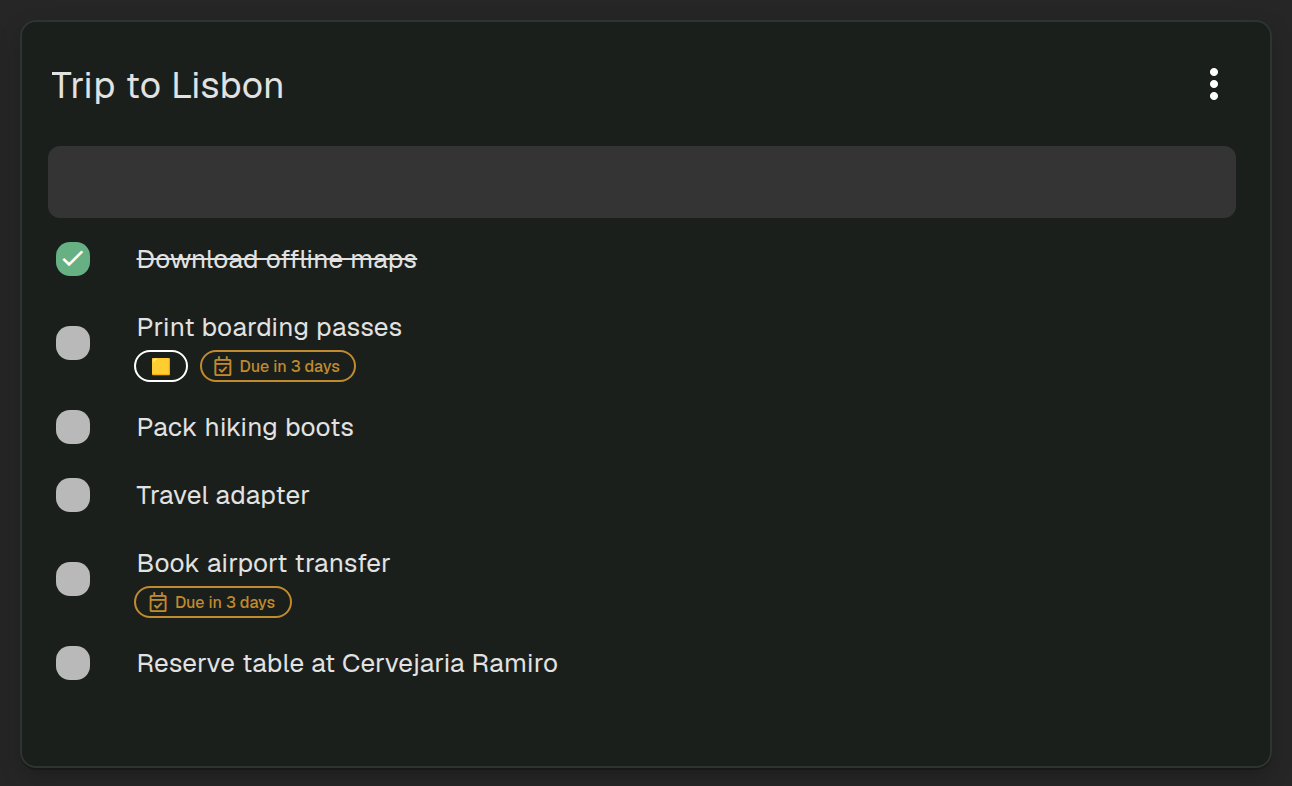
The small things, considered.
A clean interface built around the parts of a task that actually matter — context, timing, and urgency.
Hide tasks until you actually need them. Never miss a deadline. Dates work whether you use them lightly or live by your calendar.
Flag the urgent, flag the important, flag neither — priority markers that you can actually see across a long list.
Add notes, links and context to any task. Markdown-style formatting. Nothing fancy, just what you need to remember the why.
Instantly search thousands of task titles, notes, and descriptions — with no signal required, ever.
Work, home, studies, the side project. Keep them worlds apart — or weave them together. Your call.
See several lists side-by-side, in the same window. Move, compare, and triage without ever leaving the screen.
Built for people whose lists have shape.
GTD enthusiasts
Contexts map to Lists. Next Actions are the ones that aren't blocked. Your weekly review finally takes ten minutes instead of an hour.
Students
Chapter 3 has to be read before the essay gets drafted. Tasklium knows that, shows the reading now, and surfaces the essay when you're actually ready.
Project managers
Multi-step projects with custom status flows, shared hierarchy, and dependency chains. Without a heavyweight project tool you'll never open again.
Export everything. Import it back.
Your tasks, lists, and workspaces live on your device — and you can take them with you at any time. Export the database to a single JSON file, keep it as a backup, and restore it whenever you need to.
It's time to upgrade
the to-do list.
Free to download. No account required.