Lists are never the same length. Groceries has seven things in it, Today has two, Kitchen renovation has nine and will have more by Thursday. That is how lists work, and until now the folder view did not take it well.
On a wide screen your lists sat in a strict grid: four across, then the next four underneath. Every row was as tall as its longest list, so a short list sitting next to a long one left a rectangle of nothing beneath it. With a dozen ragged lists you got three rows and three bands of white space.
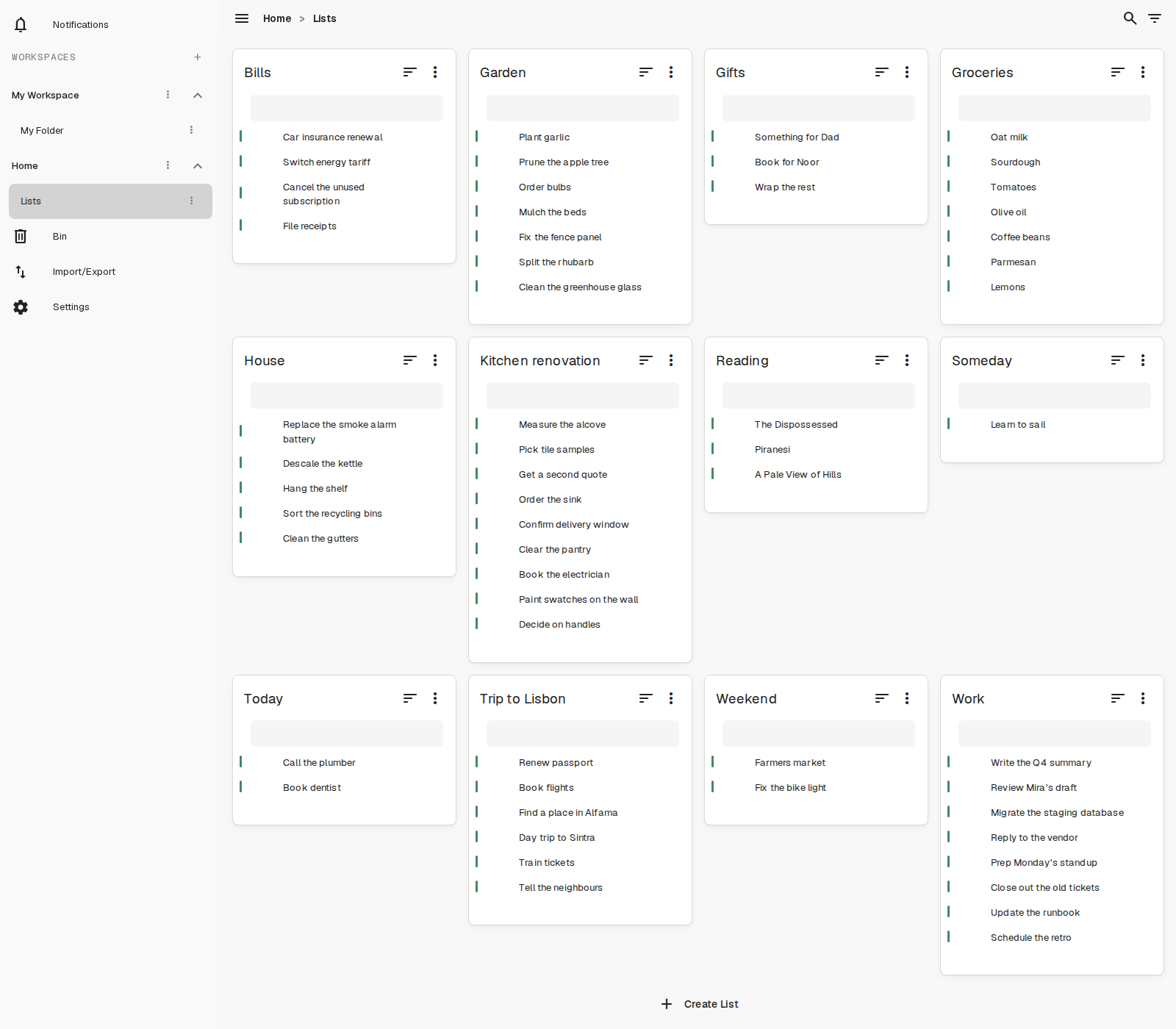
Lists now drop into the space above them
Each list is measured and placed in the first column that has room for it, rather than waiting for the tallest list in its row to finish. Someday, with its single entry, now tucks in under Groceries instead of leaving a hole. House sits directly beneath Gifts.
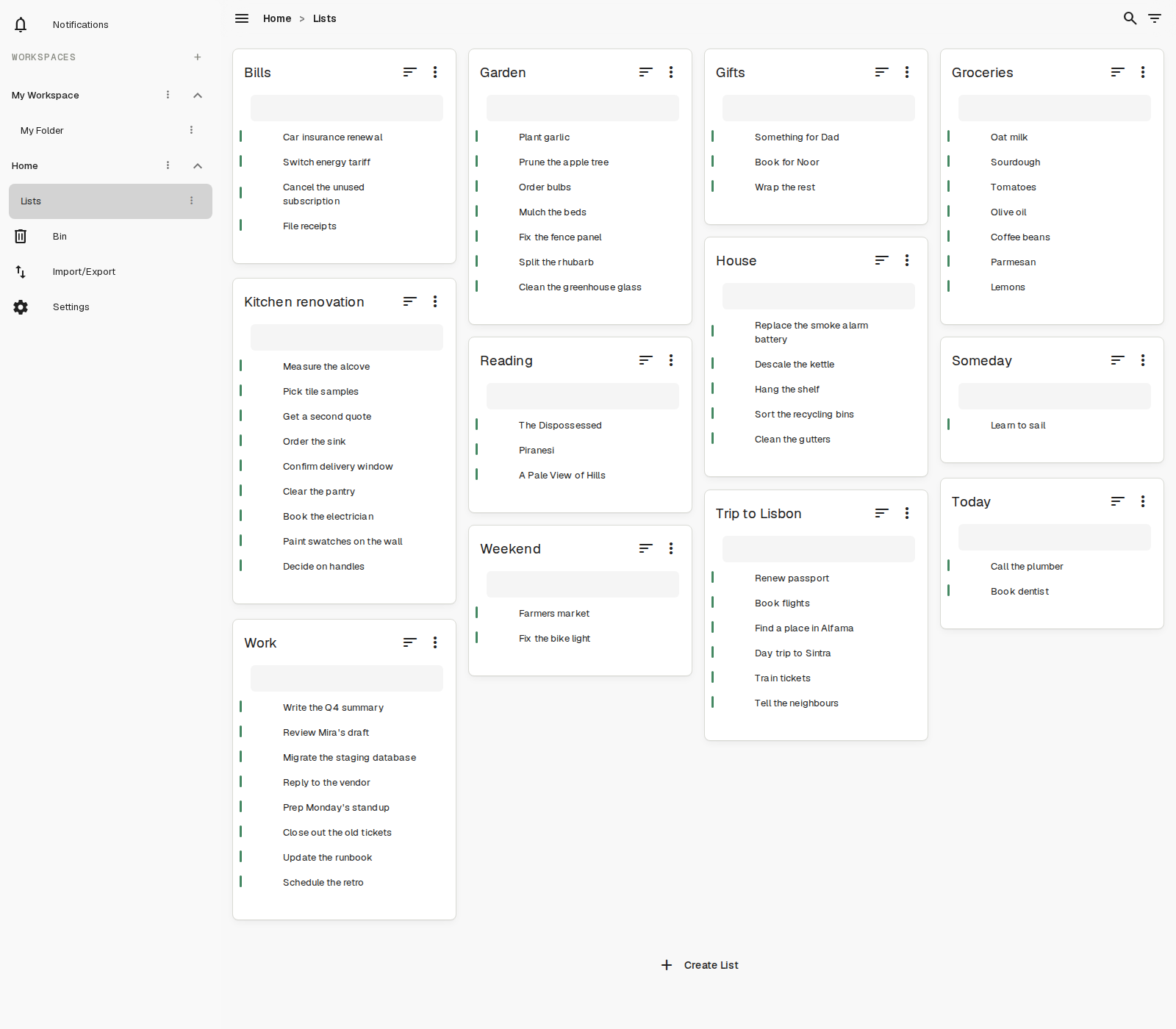
Same lists, same order, same screen. The difference is everything that used to be white.
What hasn’t changed
Reading order is the same as it always was: left to right, top to bottom. Your lists have not been reshuffled, and the columns are the same width.
On a phone, and anywhere else the lists are already in a single column, nothing changes at all. There are no gaps to close when everything is stacked, so the packing simply stays out of the way.
It is a small thing. It is also the difference between opening a folder and seeing your work, and opening a folder and seeing the room around it.